
Gamepad Tester
Gamepad Tester lets you check your controller in seconds, online in your browser or with our free apps for Android and iOS. It works with Xbox, PlayStation, and generic USB or Bluetooth gamepads, so you can test almost any device you own. Whether you’re a gamer fine-tuning your aim or a developer debugging inputs, you’ll see every button, axis, and trigger respond in real time. Best of all, the web version needs no installation, and the apps work fully offline.



Cross-Device Support
Test online on desktop, or get the app on Android and iOS.
Instant Feedback
Watch every button press and analog movement light up live.
Developer Tools
Inspect raw vendor IDs, axis values, and button indices.
Privacy
Controller input never leaves your device. Testing runs 100% locally.
Apps
Real-time controller testing and input visualization
Gamepad Tester App
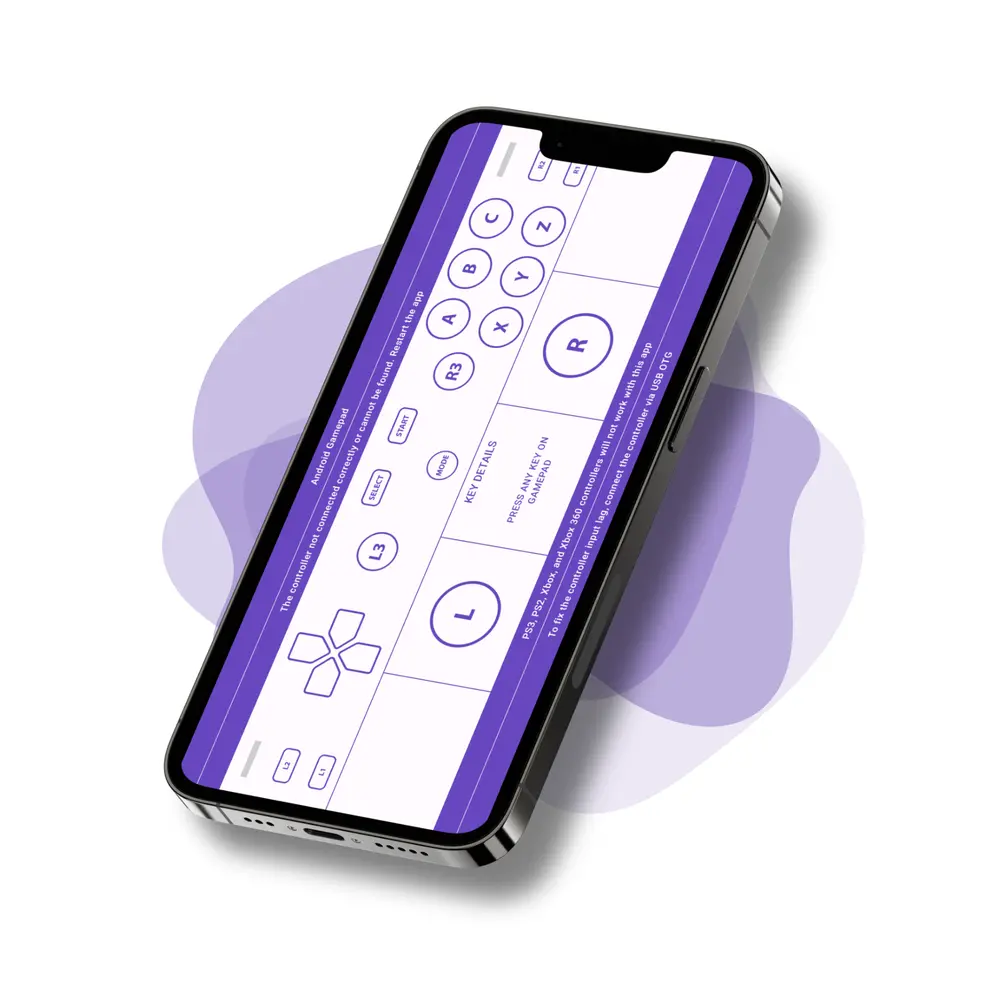
The Gamepad Tester app makes checking your controller quick and simple on both Android and iOS. Whether you’re verifying input response before a match or debugging buttons and sticks as a developer, the app shows real-time feedback on every press, thumbstick movement, and trigger pull. Both versions cover stick drift, rumble and haptics, battery level, and LED control for PlayStation controllers. Everything runs on your device, so you can test a controller anywhere.
Features
- Real-time input, stick and trigger feedback
- Four testing modes, including two PlayStation button mappings
- Vibration, motion, touchpad and light bar tests
- View controller name, type & connection
- Battery level for controllers that report it
- Works with USB, Bluetooth & wireless controllers
- Built for gamers and developers to debug inputs accurately
- Also available on iPhone and iPad
Supporting Devices
- PlayStation: DualShock 4 (v1 and v2), DualSense
- Xbox: Wireless, Series X|S, Elite
- Nintendo Switch Pro
- 8BitDo, Razer, GameSir, Backbone
- Generic Bluetooth and USB gamepads
- Anything Android does not recognise, through Universal Mode
Testing Modes
- Android Mode
- PS Mode (Type 1)
- PS Mode (Type 2)
- Universal Mode
Hardware tests
- Vibration
- LED*
- Motion*
- Touchpad*
* Needs Android 12+


PS4 Controller Tester
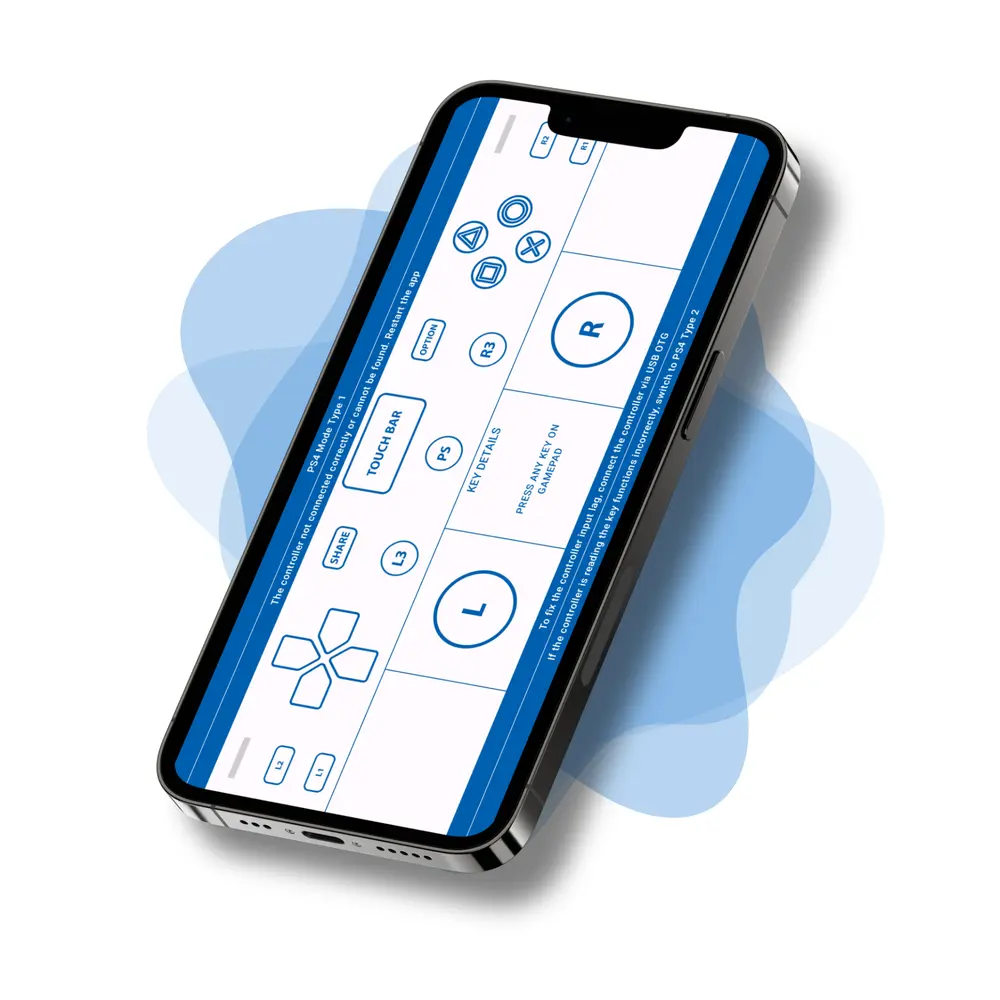
PS Controller Tester checks every function of your PS4 DualShock or PS5 DualSense controller on Android through a clear, visual interface. As you press buttons, move the analog sticks, or pull the triggers, the app maps each input on screen in real time. On newer Android versions such as Android 10 and above, however, the default key mappings can shift. In that case, simply switch to Universal Mode, and full compatibility returns.
Features
- Real-time test for buttons, sticks & triggers
- Easy Graphical & Text display modes
- Universal Mode fixes mismatched mappings (Android 10+)
- Optimized for Android phones & tablets
- Great for gamers, devs & testers
Supporting Devices
- DualShock 4 (PS4 Controller)
- DualSense (PS5 Controller)
Modes
- PS Mode Type1
- PS Mode Type2
- Universal Mode

Gamepad Tester Lite
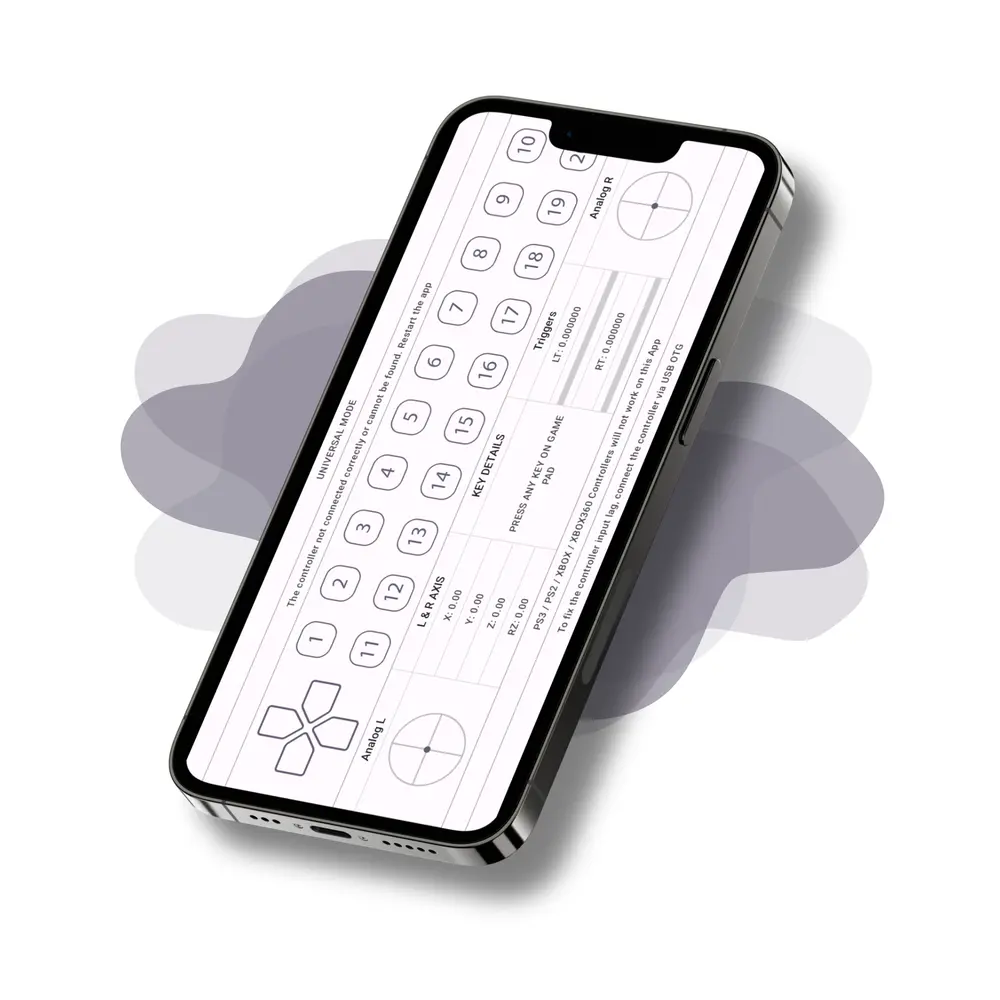
Gamepad Tester Lite is the lightweight version of our original app, built for smooth performance with minimal graphics. Even so, it still tests every function of your Android gamepad, including buttons, triggers, and analog sticks. Universal Mode lets you check Xbox and PlayStation controllers too; just confirm your device supports them before you connect.
Features
- Lightweight, minimal graphics for fast loading
- Clean UI for real-time button & joystick input
- Switch between Graph View and Text Mode
- Universal Mode supports Xbox, PlayStation & more
- Works with all Android USB/Bluetooth gamepads
Supporting Devices
- Standard Android Gamepads
- Xbox & PlayStation Controllers (via Universal Mode)
Modes
- Gamepad Mode
- Universal Mode

Blog
Mastering Controllers: Tips, Guides, and Insights
Explore our latest guides, troubleshooting tips, and hands-on reviews, all written to help you get more from your controller. Whether you’re a casual player or a competitive pro, you’ll find practical advice on fixing stick drift, reducing input lag, pairing controllers, and much more.
How to Choose the Best Controller for Your Android Phone
Mobile gaming has come a long way from casual tap games to full fledged console…
Wired vs Wireless Controllers: Which Is Better for Gaming in 2025?
Choosing between wired and wireless controllers can be surprisingly tricky. Both offer great experiences, but…

2.4GHz Wi-Fi Interference and Controller Performance Explained
Why 2.4GHz Wi-Fi Causes InterferenceWhen your game feels laggy or your controller suddenly disconnects, you…